Wedding table numbers that match your place cards
Design your table numbers in the same fonts, colours and florals as your place cards, then print them at home or at a print shop.
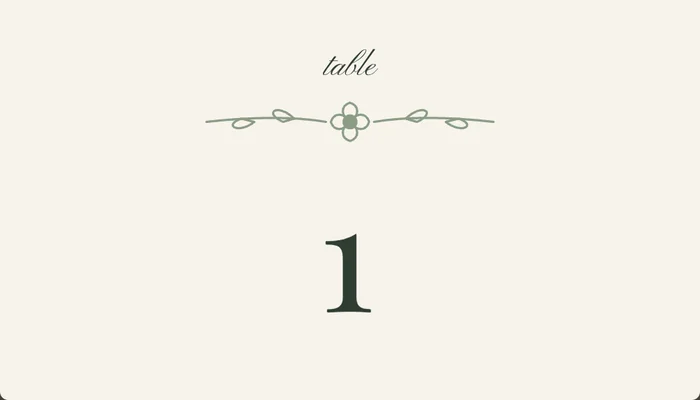
How to make your table numbers
- Open the studio and design your place cards first: theme, fonts, colours and florals.
- Switch the card type to Table Numbers. Your design carries straight over, so the numbers match the name cards.
- Go to Print and download a PDF of tables 1 to 12 on A4 or US Letter, or use the A6 template with bleed for a professional printer.
- Print a test page on plain paper first, then print on card stock.
Choosing a size
- Folded tent cards sit flat on the table and suit long tables and smaller rooms.
- A6 (105 × 148 mm) is the most common flat size. It fits a standard table number stand and is easy to read across a round table.
- For a big venue, go larger or use a tall stand so guests can spot their table from the doorway.
Printing
Table numbers are one design repeated, so they are cheap and quick to print anywhere. At Officeworks or any print and copy counter, ask for 250–300 gsm card, single-sided, at actual size. The printing guide covers home printing, print counters and professional printers step by step.
Ideas for table names
Numbers are easiest for guests and catering staff, but you can still add a personal touch:
- Pair each number with a place that matters to you, such as where you met or holidayed.
- Use a short line underneath, like a favourite song or a wine region for each table.
- Keep the number itself big and clear so it reads from across the room.
Match the rest of your reception stationery
From the same guest list you can make place cards with a different name on every card, a “Find your seat” seating chart and a meal sheet for your caterer. See our guide to place card wording for how to write each name.
Designing is free. Unlocking your event costs A$19 once and covers every export for that wedding, including place cards, table numbers and the seating sign.